Interface Universal
Desktop real em qualquer dispositivo com navegador
Press Kit
Materiais para imprensa, screenshots, logos e informações sobre o RoqueOS para jornalistas e criadores de conteúdo.
Download Media KitVer Screenshots
Sobre o Projeto
Sistema operacional que roda no navegador. Mesma URL funciona em PWA, Electron, Capacitor, Flutter e webOS de TVs LG.
Desktop real em qualquer dispositivo com navegador
Terminal Linux, VS Code, Docker App Store integrados
Atualiza via web sem reinstalar, PWA + service worker
Controle total dos seus dados no seu servidor
Disponibilidade
Disponível nas principais plataformas e lojas de aplicativos
Galeria
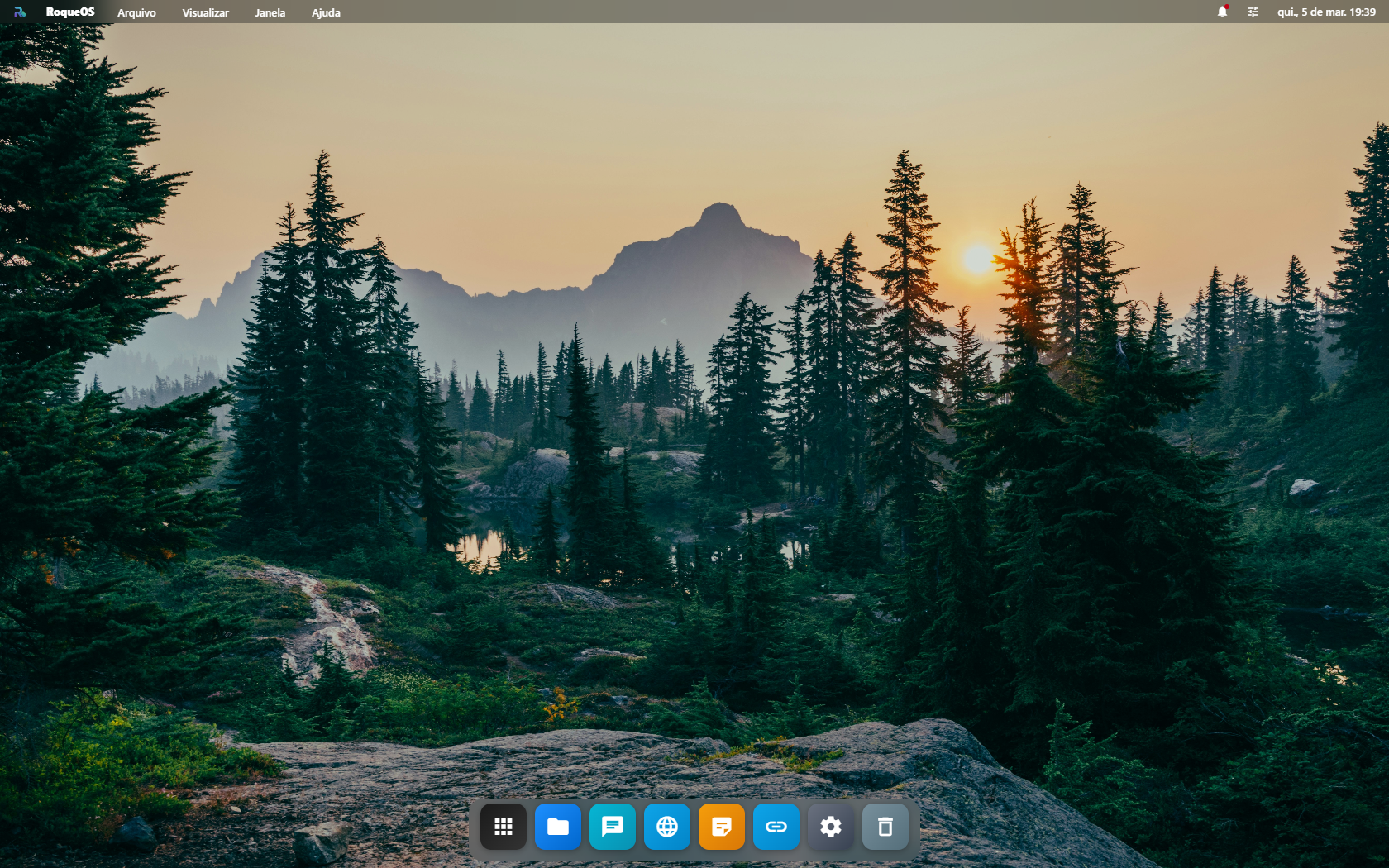
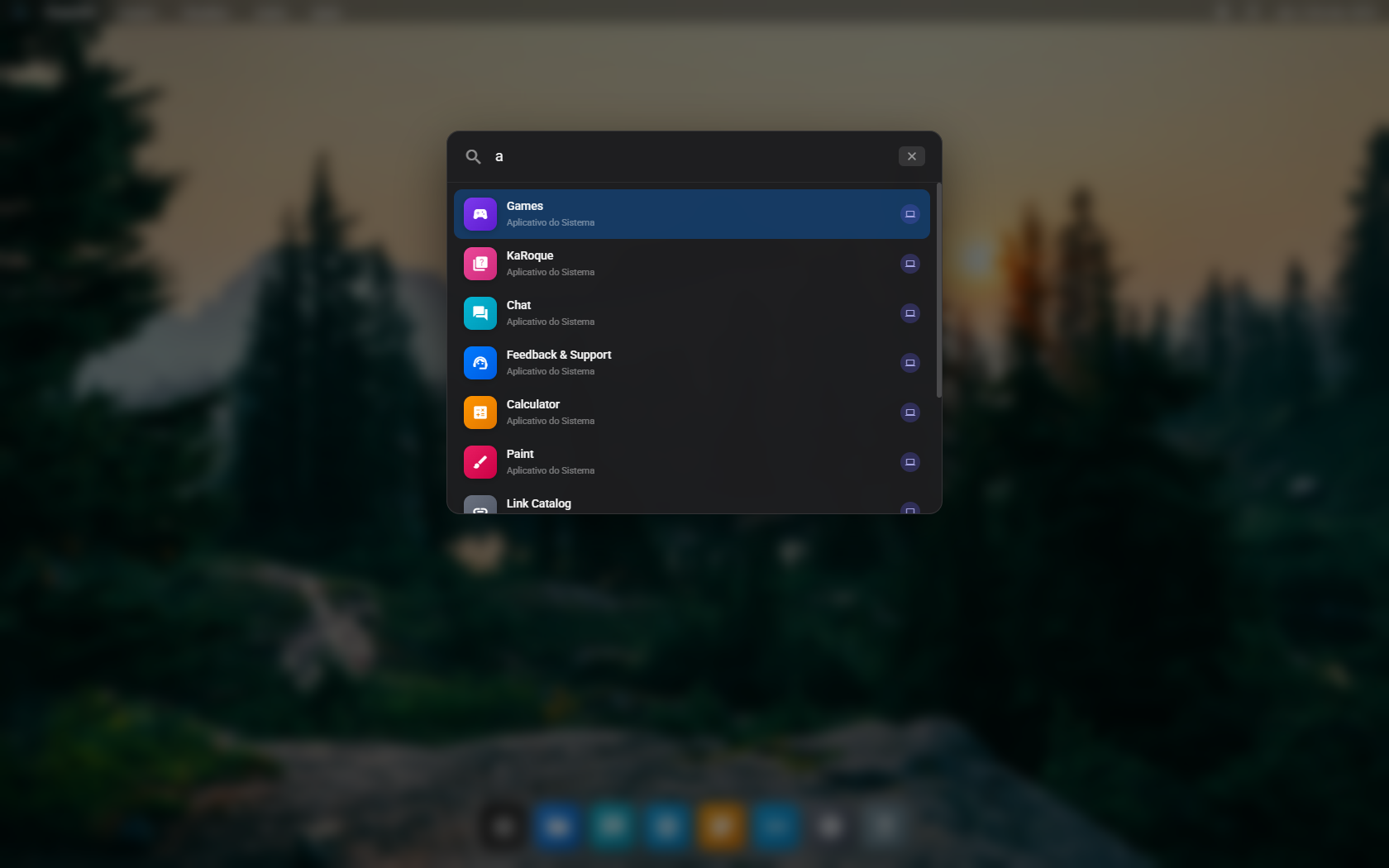
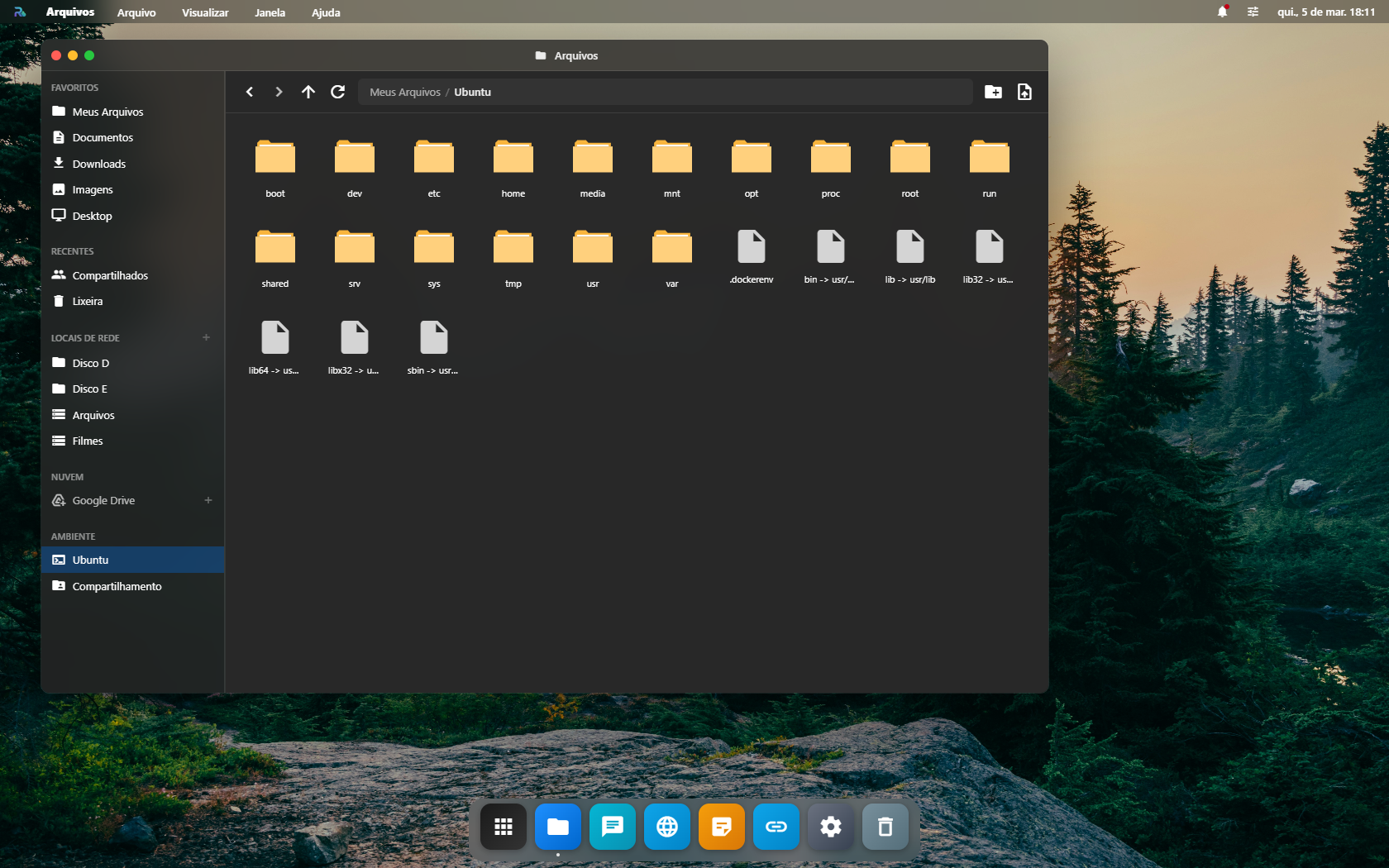
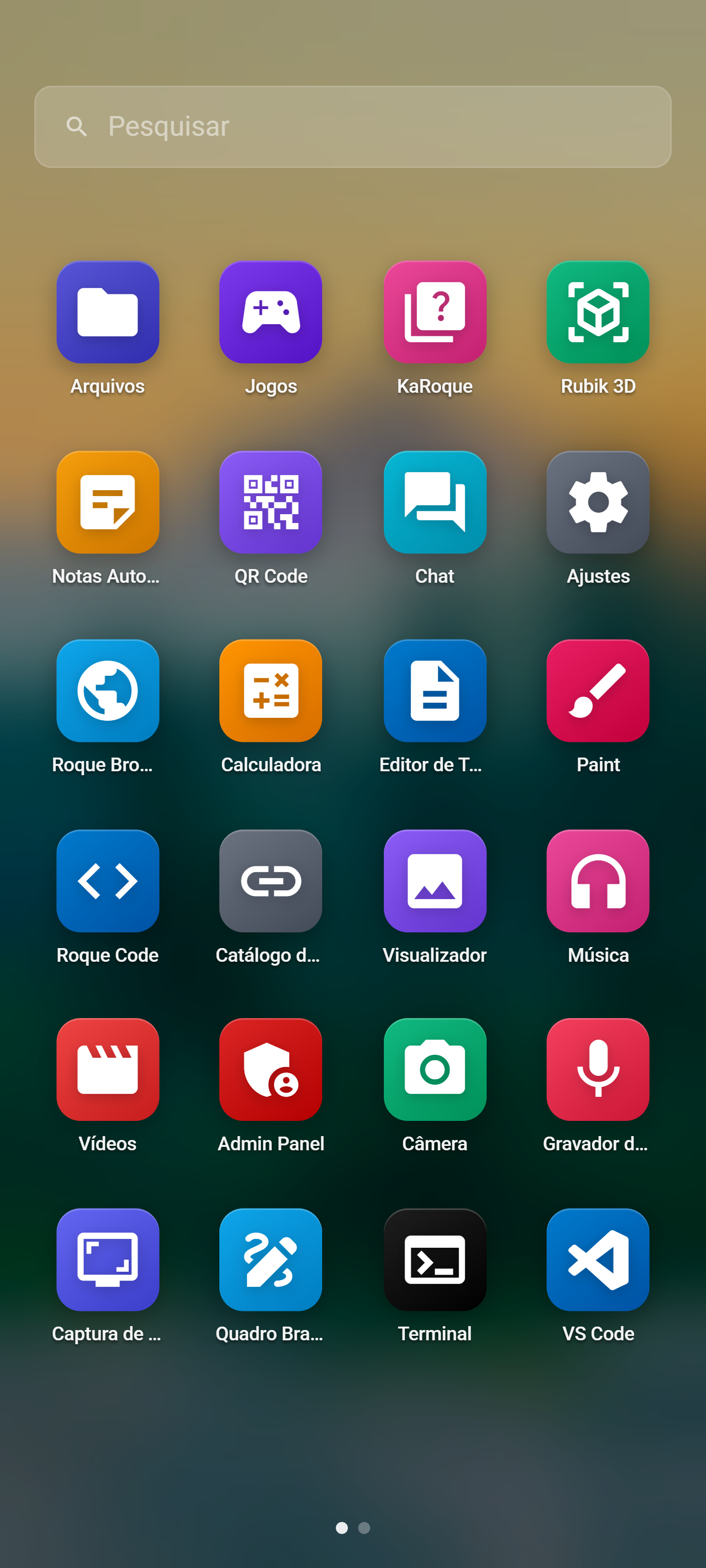
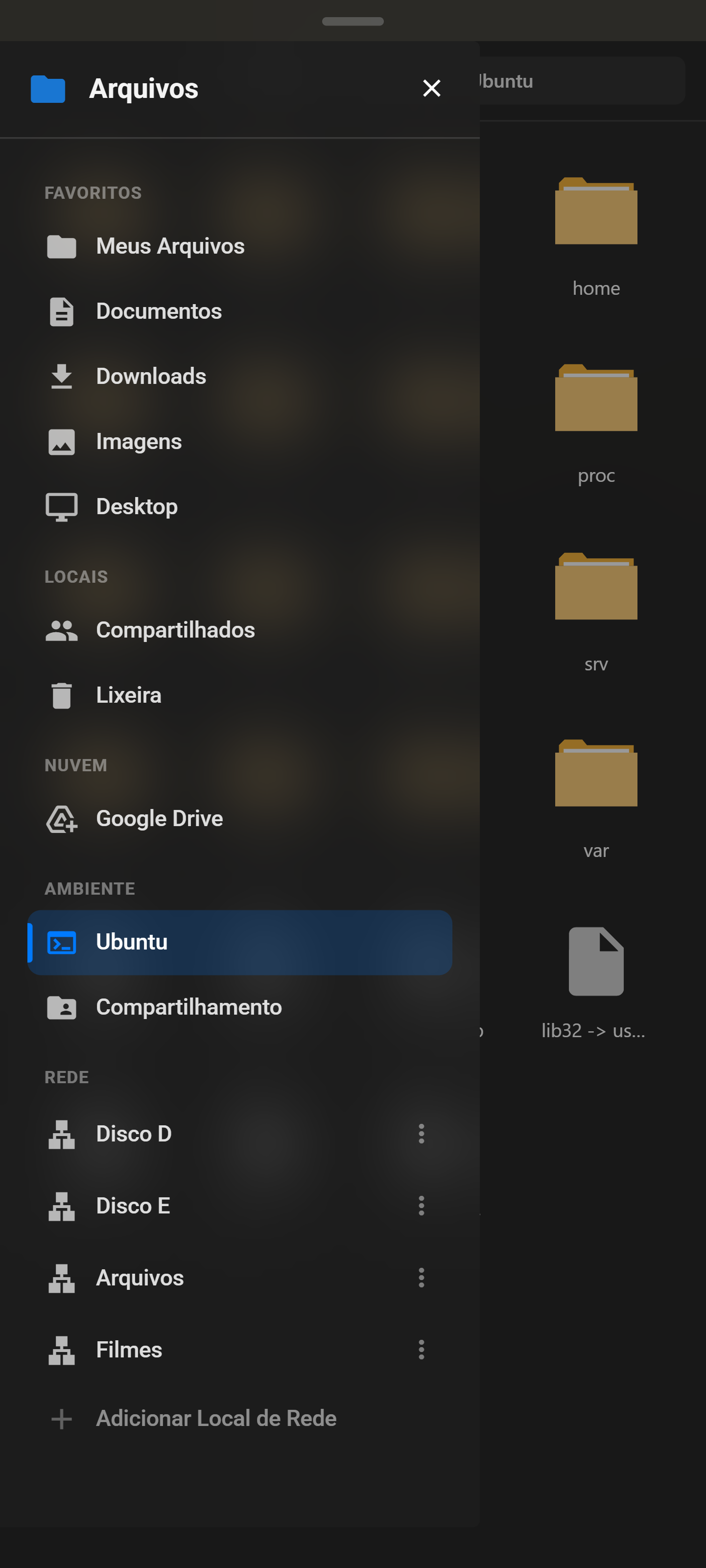
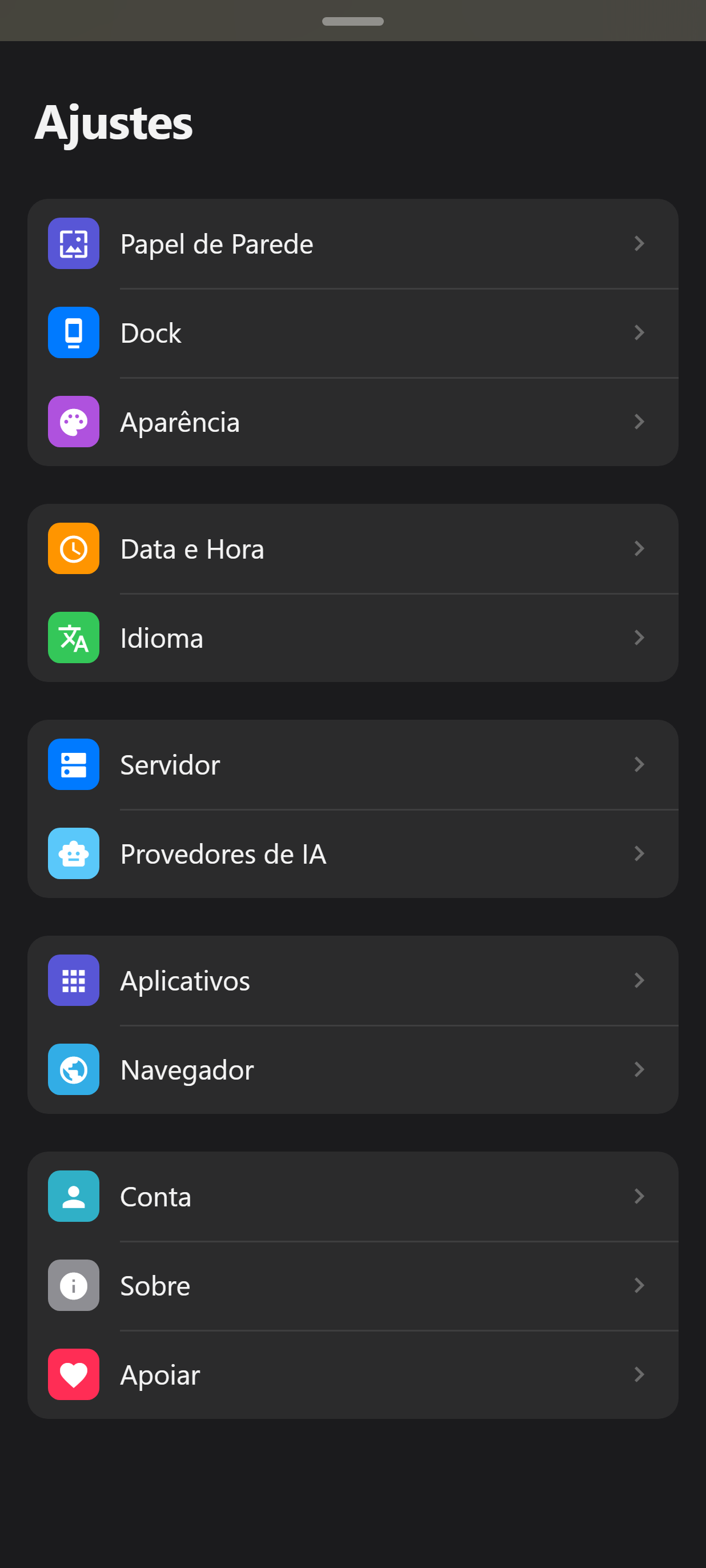
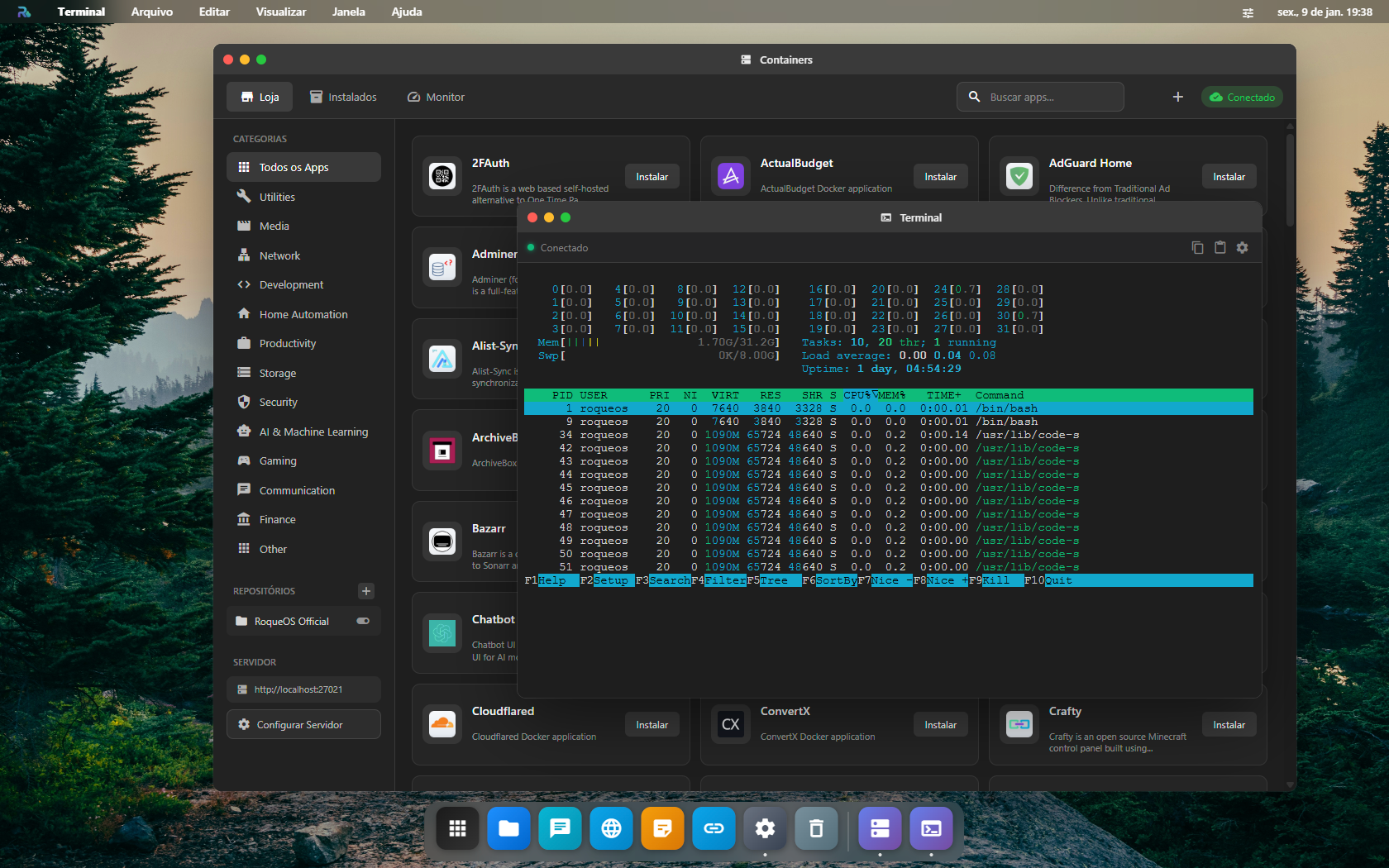
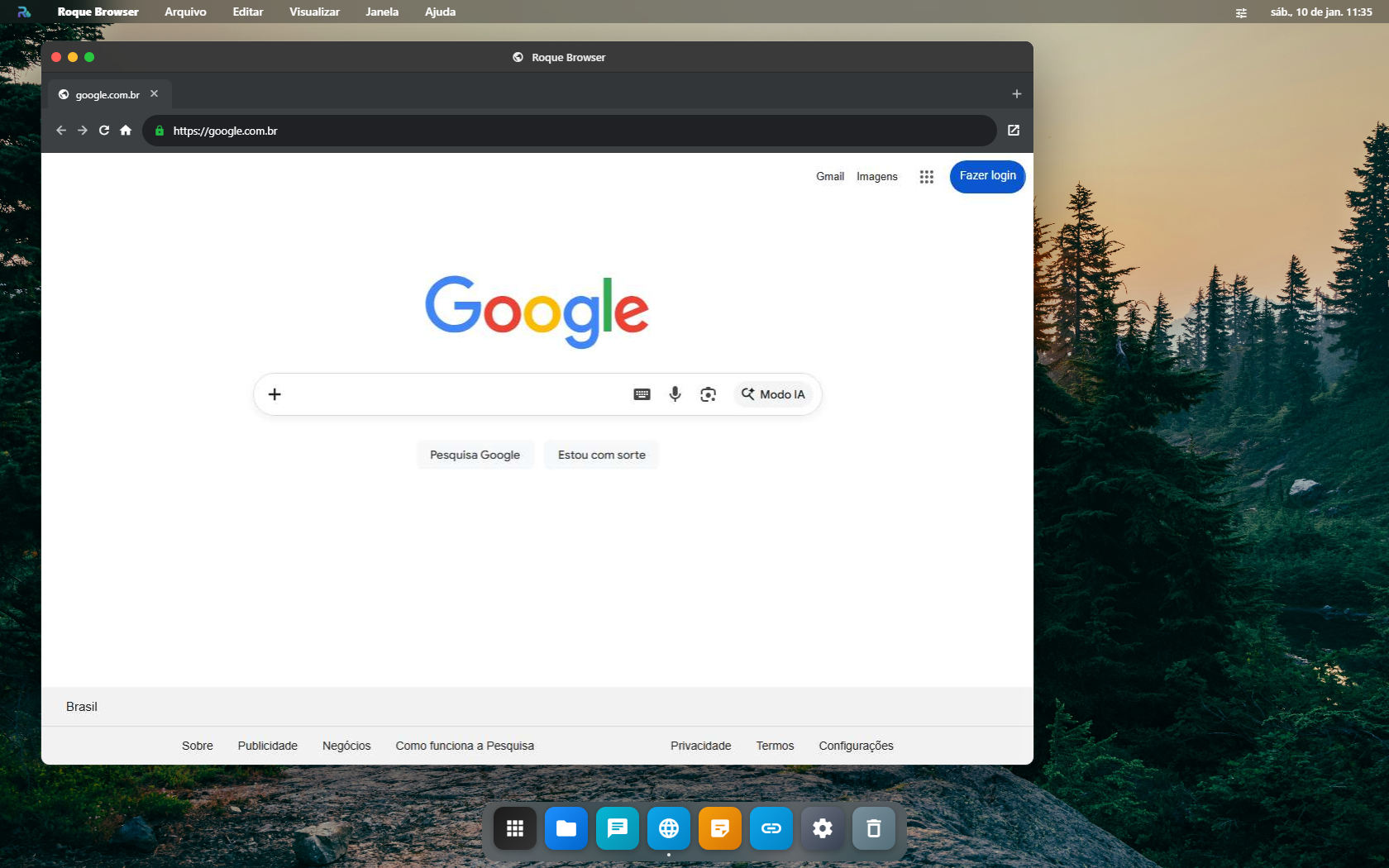
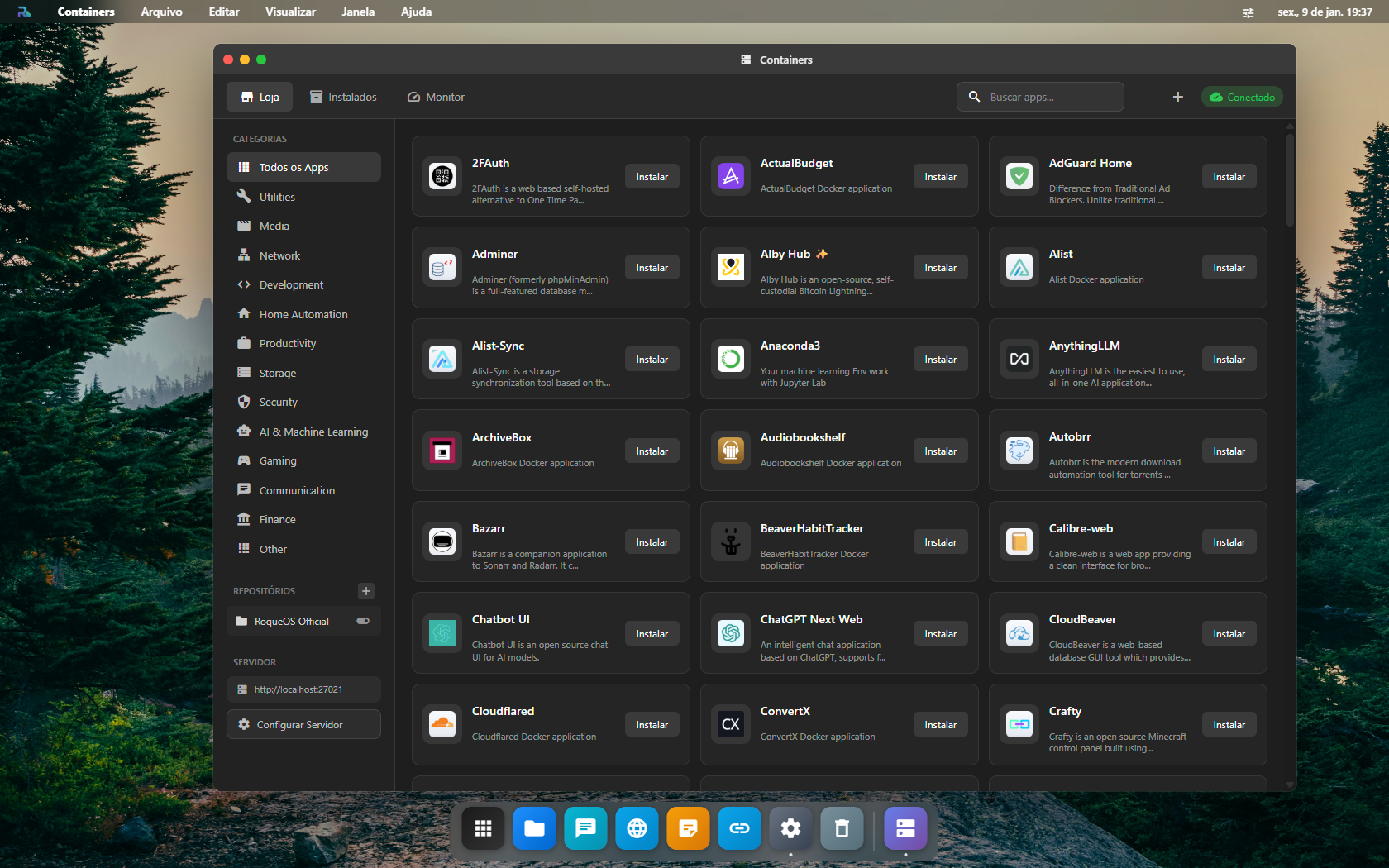
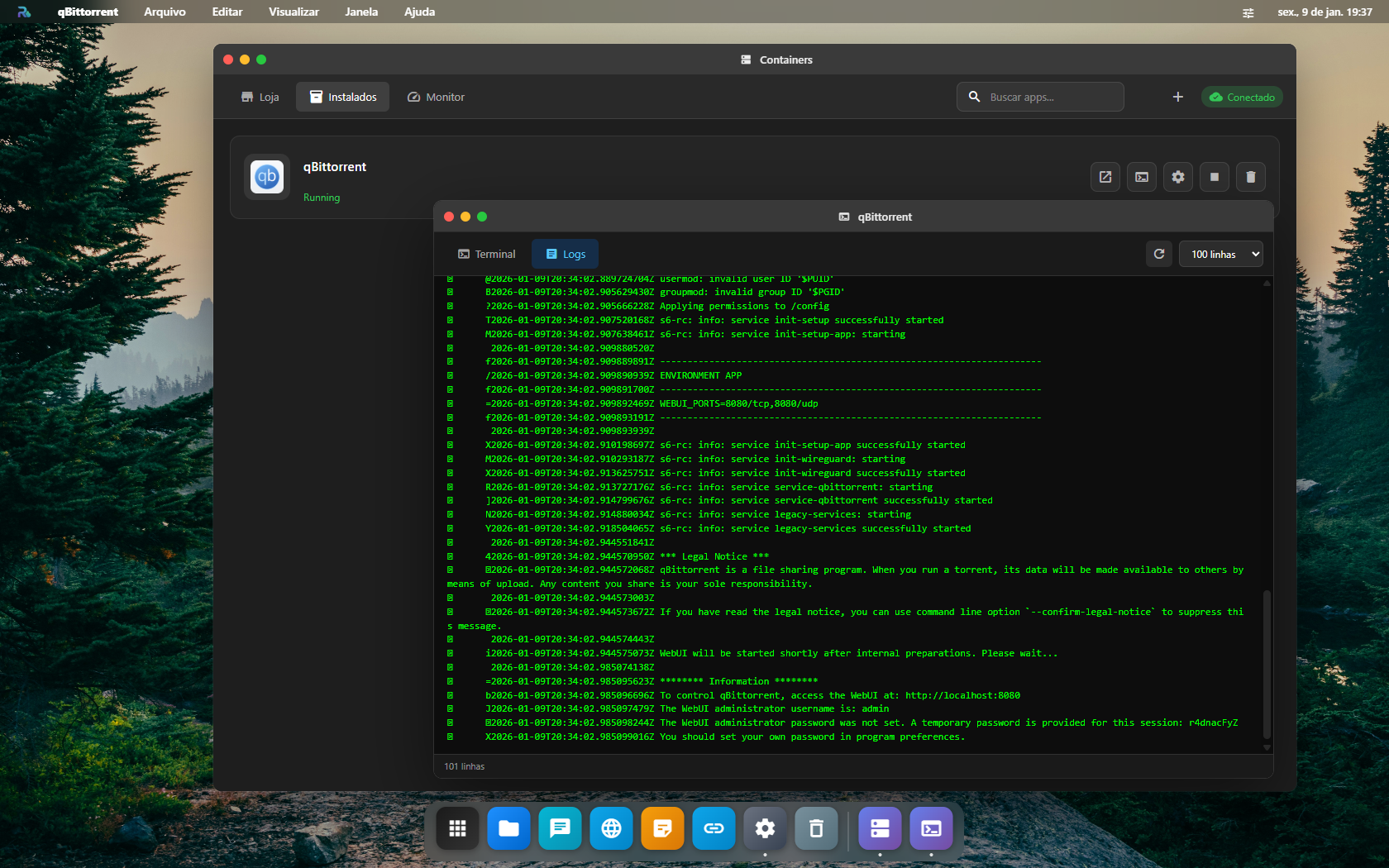
Imagens em alta resolução para uso em matérias e publicações
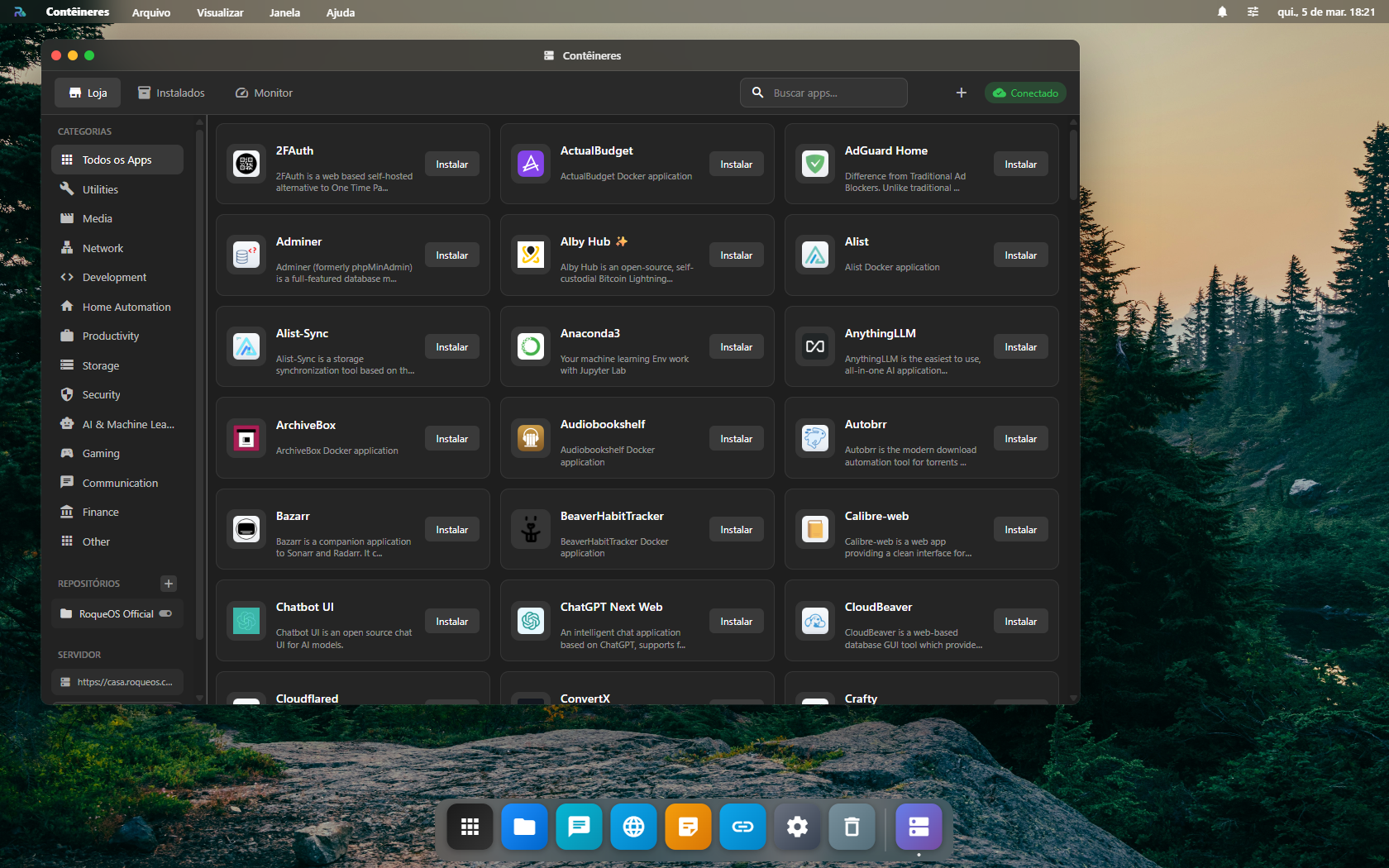
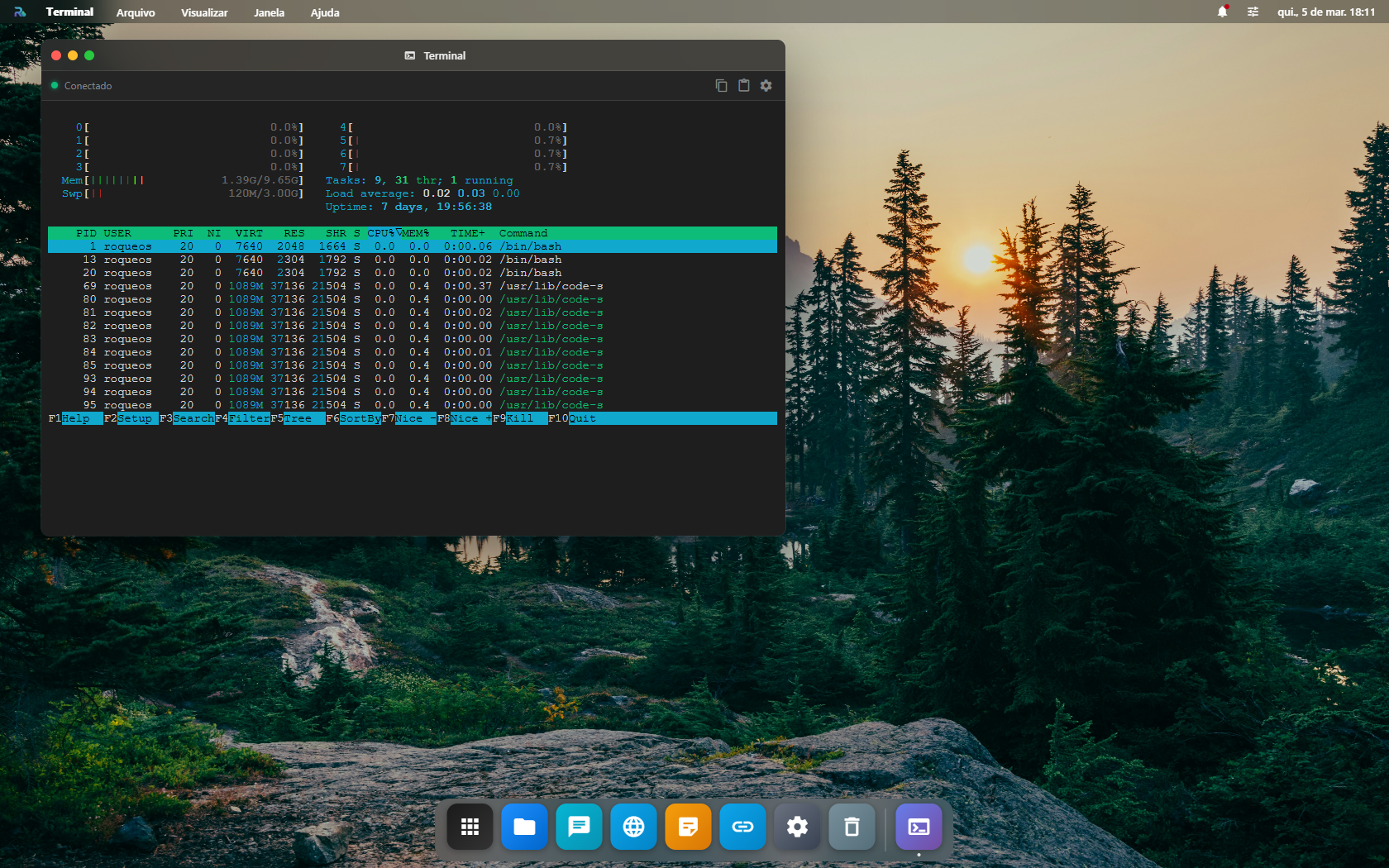
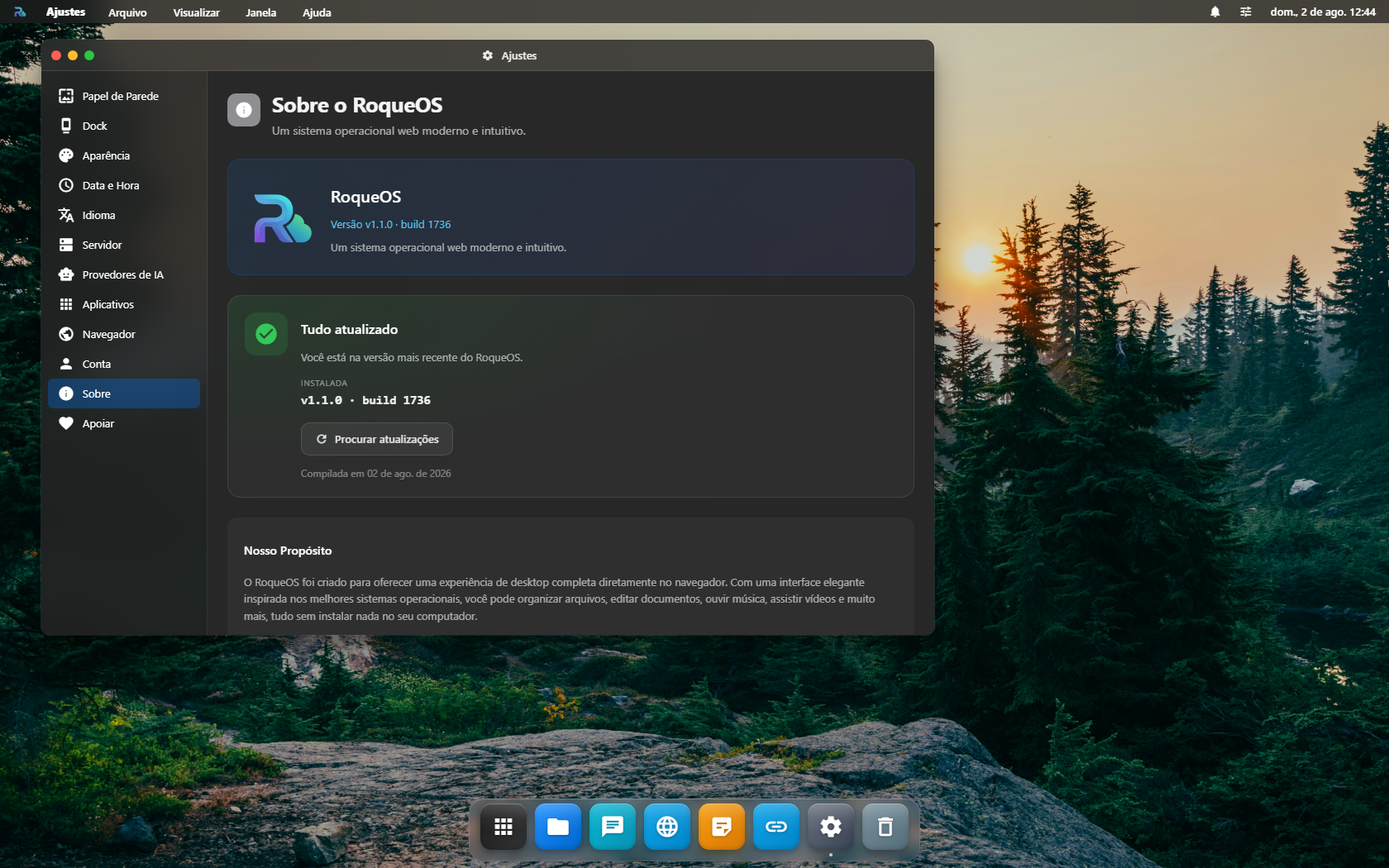
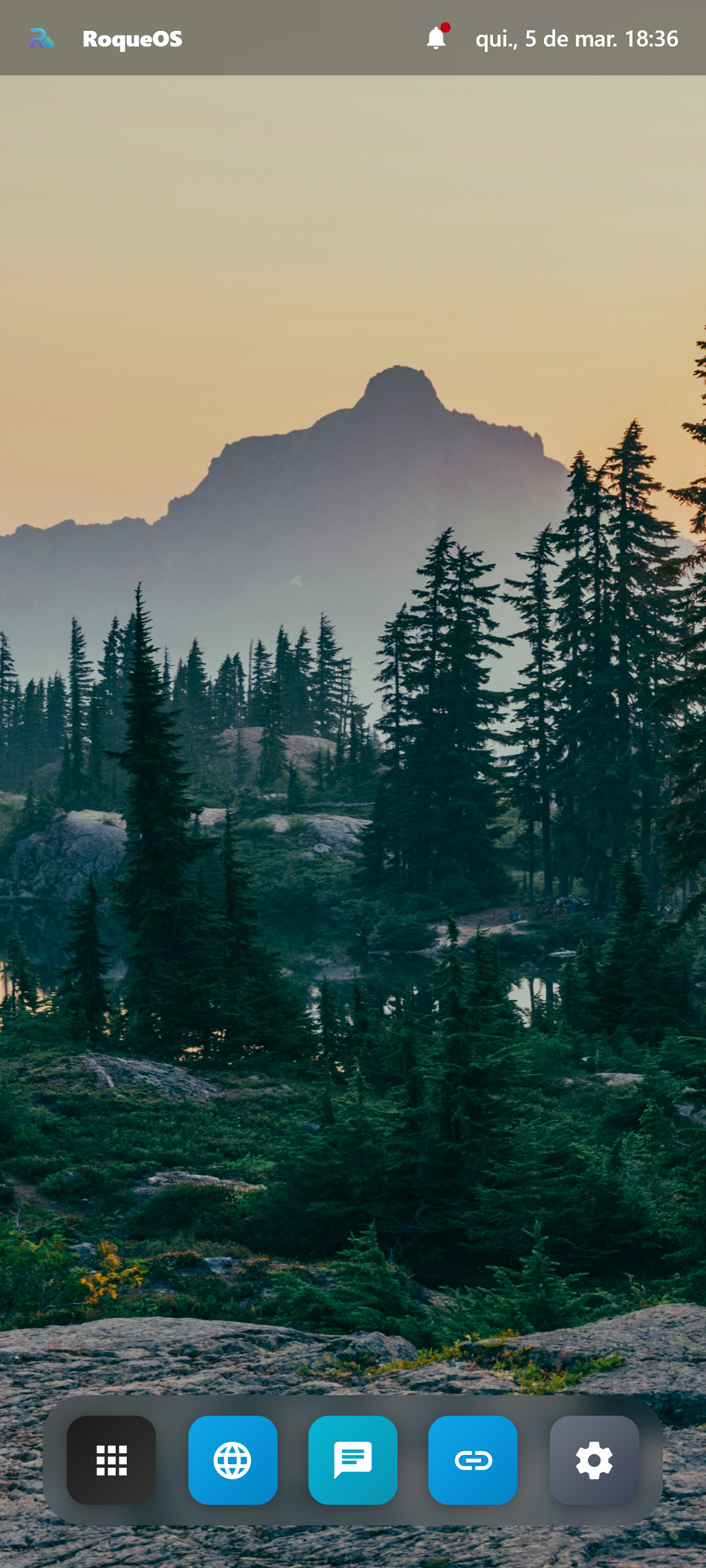
Documentação
Todas as informações sobre o projeto em um único documento
# RoqueOS

**An operating system that runs entirely in the browser. The same URL becomes a desktop on your laptop, your phone, your smart TV and your tablet, with windows, a dock and 42 apps on the home screen.**

## What changed in 2026

In January I rebuilt RoqueOS from scratch, in fifteen days of vacation, and shipped it at the end of the month. It was a web desktop with a few dozen apps and an optional server.

Eight months later, the number that best describes what happened isn't the feature count: it's how many places it already runs. RoqueOS is published on the App Store, on Google Play and on the Microsoft Store, has an official image on Docker Hub, runs on LG TVs through a webOS package, and still opens with no install at all at `roqueos.com.br`.

Under the hood: **78 apps registered in the system**, 42 of them visible on the home screen, a catalog of **205 Docker containers** ready to install, and **ten languages**, Arabic included, right to left.

## What RoqueOS is

A real web OS, not a dashboard. Resizable windows, a dock, a menu bar, Spotlight, a file manager, and apps that open inside the system itself: text editor, Paint, whiteboard, PDF reader, camera, recorder, scientific calculator, multitrack tablature editor with playback, terminal, VS Code.

It works in any modern browser, with no install. If you'd rather have an icon on the machine, get it from your platform's store: what opens is the same thing, because the store apps are thin wrappers around the same URL. A new feature is built once and shows up everywhere on its own, with nobody updating anything.

Connecting a RoqueOS Server (Docker, on a home machine or a VPS) turns on the other half: a Linux terminal isolated per user, a filesystem that persists, VS Code in the browser, remote desktop over SSH, RDP and VNC, Windows programs running in the cloud through Wine, Cloud Gaming, container management, and the AI agent with screen vision.

The server runs on the hardware of whoever installed it, in the cloud of whoever installed it, under the rules of whoever installed it. That isn't an architecture detail, it's the positioning.

## The problem

A smart TV ships with strong hardware and weak software. A display assistant has a camera, a microphone and a processor, plus an interface locked to whatever the manufacturer decided to expose. Developers who move between home, client and coffee shop rebuild the same setup every time. Every platform has its own store, its own account, its own formats.

In practice, people spend their day adapting to devices when it should be the other way around.

## How RoqueOS is different

CasaOS, Umbrel and Cosmos handle the server side well: container dashboards, NAS, automation. None of them gives you a full desktop in the browser. Webtop and Daedalos run a graphical Linux inside an iframe, with no unified app system. Kasm Workspaces and Puter.com come closer: the first is expensive and was born for the enterprise, the second has neither native Docker nor an AI agent of its own.

RoqueOS puts all four pieces on the same screen: the desktop with native apps, the backend with terminal and files, the container catalog, and the AI agent.

## Who it's for, today

Installing the server still takes some comfort with Docker and the command line, and today's audience reflects that: people who run a homelab, developers who want their environment reachable from any machine, home automation people who want more control, and anyone tired of what closed TVs and assistants won't let them do.

That barrier is deliberate at this stage. It drops when RoqueOS Cloud, managed and with no manual commands, reaches production.

## Continuous updates

Being on the web, RoqueOS never asks to be reinstalled. The PWA loads the new version in the background and it's there the next time you open it. Store installs get it through the same path.

Most operating systems ship one or two large updates a year. Here the pace is the pace of development.

## What's inside

- Desktop with windows, dock and menu bar, in the browser.
- 78 registered apps, 42 on the home screen.
- TV mode with remote control navigation.
- 10 languages, Arabic in RTL.
- Catalog of 205 Docker containers, CasaOS compatible format.
- Linux terminal isolated per user, in Server Mode.
- VS Code in the browser, through code-server.
- Windows programs in the cloud through Wine, streamed to the browser.
- Cloud Gaming: Android in the cloud for PS Remote Play, Xbox Cloud, GeForce Now and Steam Link.
- File manager with optional Google Drive, SMB and NFS.
- Remote access over SSH, RDP and VNC.
- Home Assistant integration.
- AI agent with screen vision and tool use.

## Access model

Self-hosted is free, through Docker. No license, no key, no lock, with full control of the data and the infrastructure.

RoqueOS Cloud, the managed option, is in development. When it reaches production, each plan will be a server of its own shared by several people (a family, a team, a company), each with their own login and permissions, with no per seat charge. Self-hosted stays free after that.

## Origin

In 2009 I built a cloud desktop that became my Computer Science final project, and that ended up on the Chrome Web Store in 2012. The idea was too early for the technology of the time.

Since 2023 I've been studying AI tooling seriously. In January 2026, on vacation, I rebuilt the whole thing from scratch in fifteen days, using that knowledge and an automation harness of my own. I shipped at the end of January, the reception was good, and the product hasn't stopped since. I also use RoqueOS as a lab to show my team and my leadership what AI already makes possible.

## Where to find it

**In the browser, no install:** [roqueos.com.br](https://roqueos.com.br)

**App Store (iPhone and iPad):** id `6758253949`, version 1.6.0

**Google Play:** `com.levelhard.roqueos`

**Microsoft Store:** [apps.microsoft.com/detail/9nh495rhpbqk](https://apps.microsoft.com/detail/9nh495rhpbqk)

**Docker Hub (Server Mode):** [roqueribeiro1988/roqueos-server](https://hub.docker.com/r/roqueribeiro1988/roqueos-server)

**LG TV:** webOS package, standalone build.

---

**Contact**

- E-mail: [contato@levelhard.com.br](mailto:contato@levelhard.com.br)
- Site: [roqueos.com.br](https://roqueos.com.br)
- Documentation: [roqueos.com.br/docs](https://roqueos.com.br/docs)
Contato
Entre em contato para entrevistas, parcerias, dúvidas sobre o projeto ou pedido de materiais adicionais.