🌐 Esta página aún no está traducida al español. Mostrando referencia en portugués (BR). Ayúdanos a traducir.
Navegador Remoto Servidor
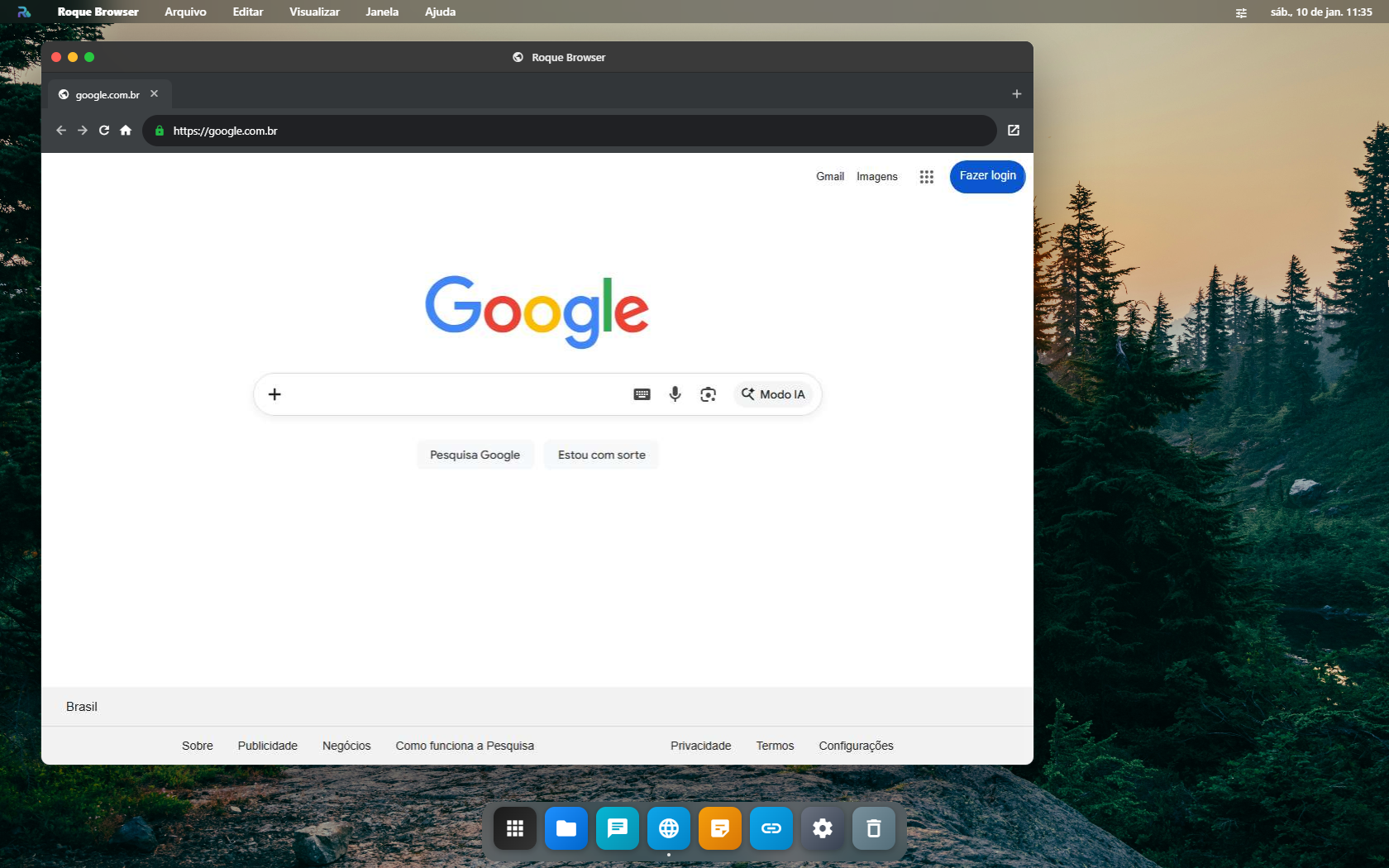
O Navegador Remoto (Roque Browser) permite acessar qualquer URL através do servidor, como se você estivesse fisicamente na mesma rede. Isso é essencial para acessar interfaces web de containers Docker, painéis de administração internos e serviços que só estão disponíveis na rede local do servidor.
Casos de Uso
WebUI de Containers
Acesse painéis de qBittorrent, Grafana, Portainer e outros containers sem expor portas.
Rede Local
Acesse roteadores, câmeras IP, NAS e outros dispositivos da rede do servidor.
Navegação Remota
Navegue pela internet usando o IP do servidor — útil para testes de geolocalização.
Como Usar
- Abra o Navegador Remoto no Launchpad
- Na barra de endereço, digite a URL desejada
- A página será carregada pelo servidor, não pelo seu dispositivo local
Acessando Containers
Quando você instala um container Docker com interface web (ex: Portainer na porta 9000), acesse-o pelo navegador remoto:
http://localhost:9000O localhost aqui se refere ao servidor, não ao seu computador. Isso permite acessar qualquer serviço rodando no servidor sem expor portas para a internet.
Navegador Remoto vs Proxy de Container
| Funcionalidade | Navegador Remoto | Proxy de Container |
|---|---|---|
| O que faz | Navegador completo no servidor | Proxy reverso para um container específico |
| Acesso | Qualquer URL | Apenas a WebUI do container |
| Como abrir | App no Launchpad | Botão 🌐 na lista de containers |
| Uso ideal | Navegação livre, rede local | Acesso rápido a um painel específico |
Quando a página não abre
| O que acontece | Por quê | O que fazer |
|---|---|---|
| Tela cinza e nada carrega | não há servidor conectado: quem navega é o servidor, não o seu navegador | conecte em Ajustes → Servidor |
| Abre o site público mas não o container | o endereço usado foi o externo, e não o interno da rede do servidor | use o IP ou o nome do container como o servidor o enxerga |
| A imagem chega picotada ou lenta | o streaming está em qualidade alta para o link disponível | baixe FPS e qualidade em Ajustes → Servidor → Qualidade do Navegador Remoto |
| O teclado não escreve no site | o foco ficou na janela do RoqueOS, não dentro do quadro remoto | clique uma vez dentro da área do site antes de digitar |
| A sessão cai sozinha | o servidor reiniciou, ou a aba ficou escondida tempo demais | reabra o app; a sessão remota não sobrevive a um restart do servidor |
Dicas de Uso
DICAS RÁPIDAS
- Use
localhost:PORTApara acessar containers rodando no servidor - Use IPs internos (ex:
192.168.1.1) para acessar dispositivos da rede local do servidor - O navegador remoto usa o Chromium do container Ubuntu — suporta sites modernos
- A navegação é isolada no servidor, o que adiciona uma camada de privacidade