🌐 This page is not yet translated to English. Showing Portuguese (BR) reference. Help translate this page on GitHub.
Configuração do OpenClaw
Este guia explica como instalar e configurar o agente OpenClaw no seu RoqueOS Server.
Pré-Requisitos
PRÉ-REQUISITOS
- RoqueOS Server instalado e funcionando (ver instalação)
- Docker com acesso ao socket (
/var/run/docker.sock) - Chave de API de um provedor de IA (OpenAI ou Anthropic)
- Mínimo de 4 GB de RAM no servidor (8 GB recomendado)
1. Baixar a Imagem do OpenClaw
O OpenClaw roda como um container Docker separado. Baixe a imagem oficial:
docker pull roqueribeiro1988/roqueos-openclaw:latestA imagem inclui:
- Ubuntu 22.04
- XFCE Desktop
- TigerVNC + noVNC
- Chromium Browser
- Node.js 20
- OpenClaw Agent
2. Configurar a Chave de API
No arquivo docker-compose.yml do seu RoqueOS Server, adicione as variáveis de ambiente da sua chave de IA:
services:
  roqueos-server:
    image: roqueribeiro1988/roqueos-server:latest
    environment:
      - TZ=America/Sao_Paulo
- OPENAI_API_KEY=sk-sua-chave-aquiservices:
roqueos-server:
image: roqueribeiro1988/roqueos-server:latest
environment:
- TZ=America/Sao_Paulo
- ANTHROPIC_API_KEY=sk-ant-sua-chave-aquiSEGURANÇA
Nunca commite suas chaves de API em repositórios públicos. Use um arquivo .env para armazenar segredos e referencie com env_file: .env no compose.
Exemplo com arquivo .env:
# .env (não commitir no git!)
OPENAI_API_KEY=sk-sua-chave-aqui# docker-compose.yml
services:
roqueos-server:
env_file:
- .env3. Verificar a Configuração
Após reiniciar o servidor com docker compose down && docker compose up -d, verifique se o módulo do agente está acessível:
curl http://localhost:27021/agent/sessionsResposta esperada:
[]4. Acessar o Agente no Frontend
- Abra o RoqueOS e certifique-se de estar conectado ao servidor.
- No Launchpad, procure pelo app Agente IA (ícone do OpenClaw).
- O app abrirá com a interface de chat e o painel de visualização do desktop.
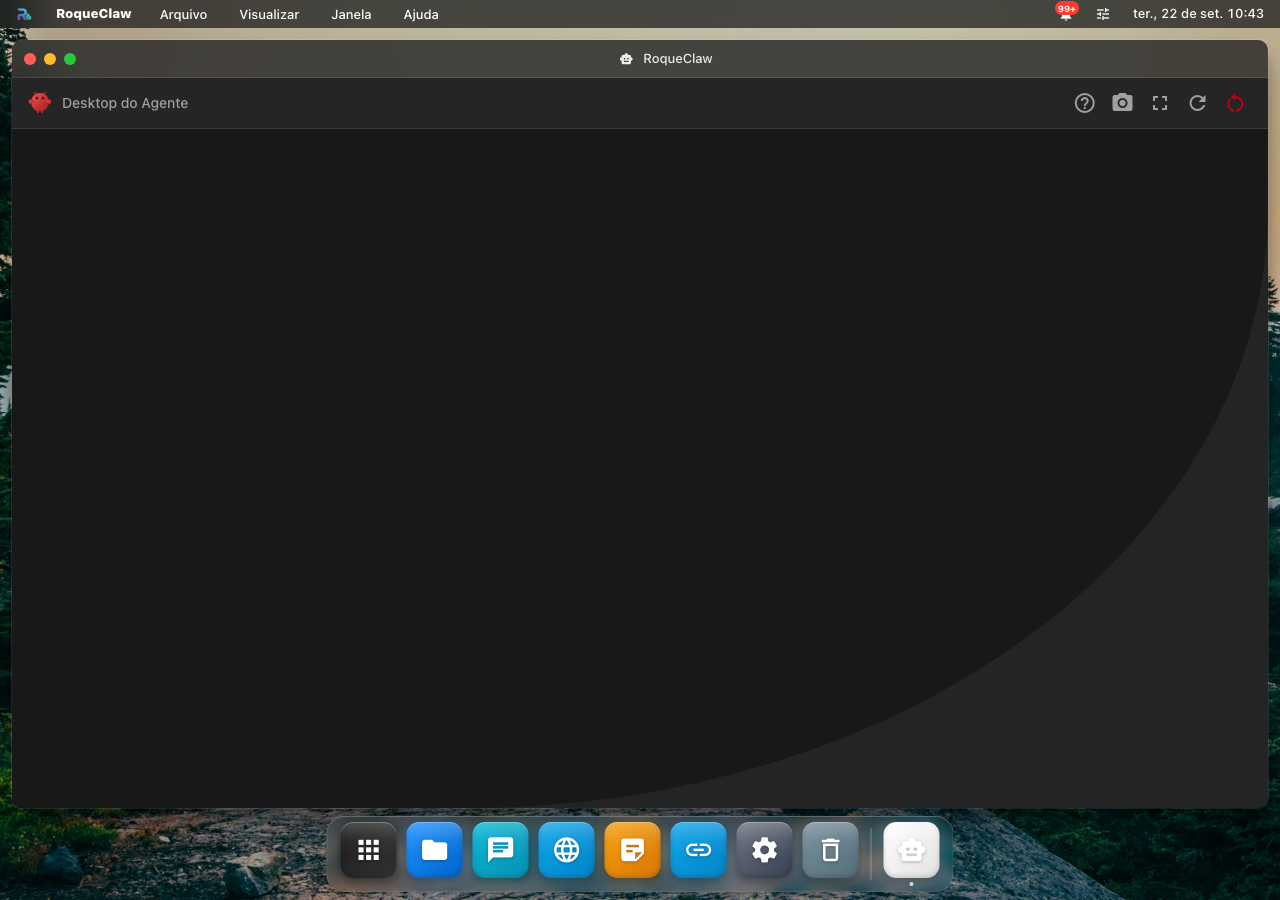
Quando a instalação não termina
| O que acontece | Por quê | O que fazer |
|---|---|---|
O docker pull falha | o servidor está sem internet, ou sem espaço em disco | confira os dois antes de repetir |
| O container sobe e cai | falta a chave de API, ou a variável está com o nome errado | docker logs diz qual variável faltou |
| O passo 3 não confirma a configuração | a chave foi salva num arquivo que o container não lê | confira o caminho do .env que o compose aponta |
| O agente não aparece no Launchpad | o servidor não está conectado, ou o container não está de pé | conecte o servidor; ver Acessar o Agente no Frontend |
| A porta já está em uso | outro container ocupa a mesma porta | troque a porta no compose; ver Portas Utilizadas |
Portas Utilizadas
| Porta | Protocolo | Descrição |
|---|---|---|
27021 | HTTP/WS | API e WebSocket do RoqueOS Server |
5901 | VNC | Desktop VNC do container OpenClaw |
6080 | HTTP | noVNC (acesso web ao desktop) |
As portas 5901 e 6080 são gerenciadas internamente pelo servidor e não precisam ser expostas externamente.
Variáveis de Ambiente Disponíveis
| Variável | Descrição | Padrão |
|---|---|---|
OPENAI_API_KEY | Chave de API da OpenAI | — |
ANTHROPIC_API_KEY | Chave de API da Anthropic | — |
AGENT_MAX_SESSIONS | Máximo de sessões simultâneas | 3 |
AGENT_TIMEOUT | Timeout de sessão em minutos | 30 |
Próximos Passos
- Como Usar o OpenClaw — Guia prático de uso e exemplos